Excel Formulas

How to Deal with Missing Data in Excel (6 Suitable Ways)

Suppose you are dealing with two sets of similar data. Suddenly, you find that the second data range is almost similar to the first set of data, but ...

How to Solve Colebrook Equation in Excel (3 Simple Ways)

  What Is a Colebrook Equation? The Colebrook equation shows the relationship between the Reynolds number, Pipe Roughness, and Diameter based ...

How to Calculate Final Grade in Excel (in 3 Steps)

In the dataset "Student Marksheet", we have columns showing student names and various courses. Next to each student's name, we have a grade for each ...

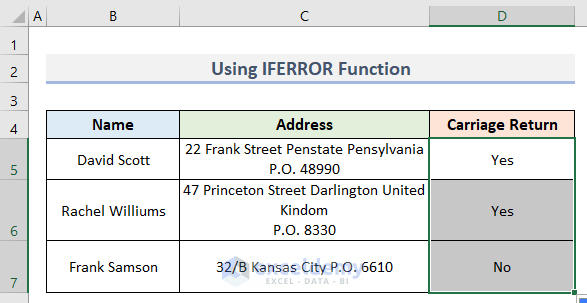
How to Find Carriage Return in Excel (2 Easy Methods)

Carriage return is a very important element in Excel cells. It defines the cell length along with the information within it. In some cases, we need ...

How to Filter Missing Data in Excel (4 Easy Methods)

This article will provide you with 4 easy methods to filter missing data in Excel. We'll use the dataset below representing some salesperson’s ...

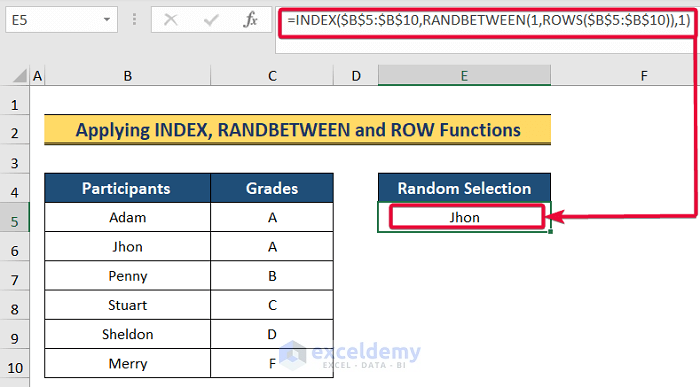
How to Randomly Select Participants in Excel (4 Easy Ways)

We often need to randomly select data from our Excel sheet, especially text data. Microsoft Excel does not offer any dedicated function to select ...

How to Reconcile Data in Excel – 4 Methods

Method 1. Finding Duplicate Values to Reconcile Data To find the duplicate values and reconcile data: Step 1 - Finding the Duplicates ...

How to Calculate Average Letter Grades in Excel – 4 Methods

  Download Practice Workbook Download this practice workbook to exercise. Average Letter Grades.xlsx A sample letter ...

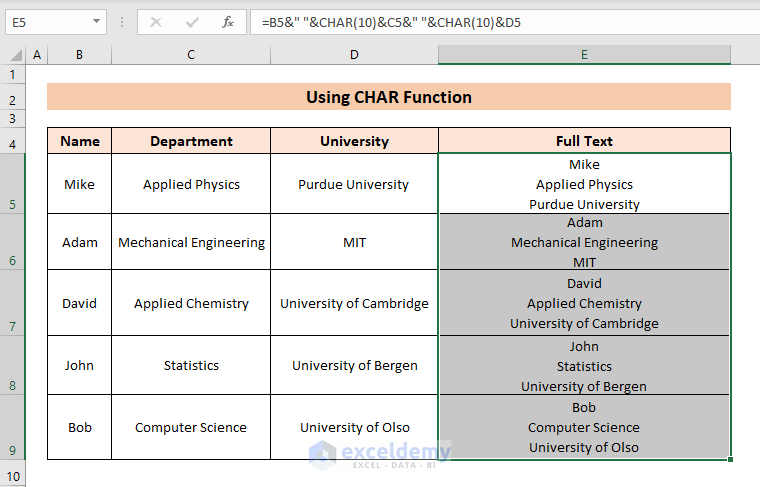
How to Insert Carriage Return in Excel Cell (3 Simple Ways)

  Method 1 - Using Keyboard Shortcut Let’s say a cell is describing a student studying a specific subject at a university. The data here is ...

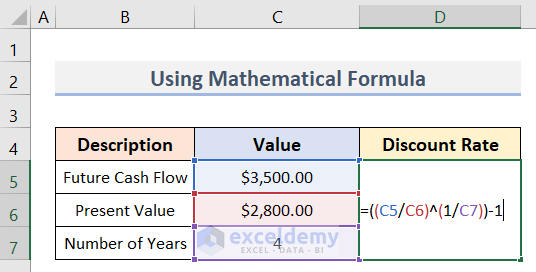
How to Calculate a Discount Rate in Excel (3 Methods)

What Is a Discount Rate? The discount rate is the factor used to bring future cash flows back to the present day. It also refers to the interest ...

How to Compare Two Excel Sheets to Find Missing Data (7 Methods)

Dataset Overview To illustrate the methods, we’ll consider two employee data lists stored in separate sheets: T-1 and T-2. Additionally, ...

How to Make an Electronic Raffle Draw in Excel (2 Ways)

To select a winner from a lottery, a raffle draw is required. Drawing raffles manually is time-consuming and tedious if there are many participants. ...


How to Calculate GST in Excel (With Easy Steps)

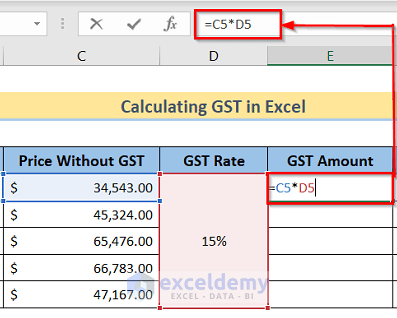
Step 1 - Arranging Proper Dataset We have the Products in Column B and the Price Without GST in Column C. We have to create three ...

How to Summarize Data Without Pivot Table in Excel

  The sample dataset shows trip spending for five people, with repeated entries in the Participants column indicating they had multiple ...

How to Get Summary Statistics in Excel – 7 Easy Methods

The following dataset has 3 columns (Name, Math Score, and Science Score). Method 1 -  Using the Status Bar to Get Summary Statistics in ...

Close the CTA

Advanced Excel Exercises with Solutions PDF


ExcelDemy
Logo