

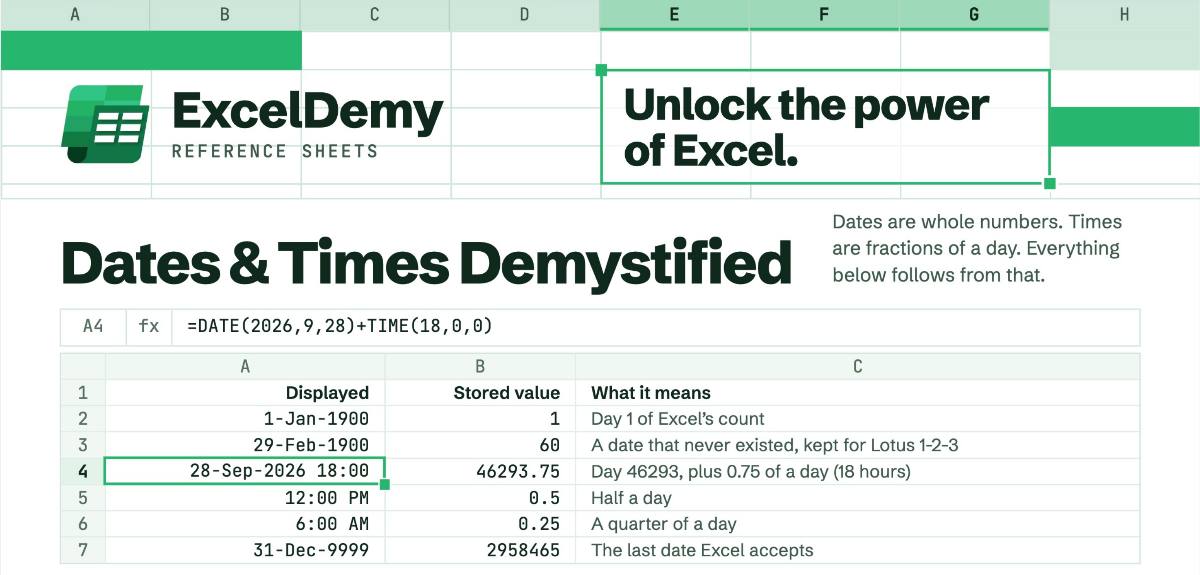
Dates and times are some of the most common things people work with in Excel, and some of the most confusing. A formula returns a strange number instead of a date, a calculation comes out a day off, or a column refuses to sort the way you expect. That’s why we’re launching ExcelDemy Reference Sheets, a new series of one-page guides that bring the essentials of a topic together in one place. First up is Dates & Times Demystified.
The sheet starts with the one idea that makes everything else about dates and times click, then builds from there. It covers the functions you’ll use to create, adjust, and measure dates, the settings that control how they look and behave, and the common traps that quietly break spreadsheets. It’s organized the way you actually work in Excel, so you can jump straight to the formula you need without scrolling through pages of documentation.
Whether you’re building a project schedule, tracking deadlines, calculating time worked, or cleaning up imported data, this is a page worth keeping close by. Keep it handy in any way you see fit, but make sure to grab your copy of the dates and times reference sheet today. More Reference Sheets are on the way, so keep an eye out for the next one.
Get FREE Advanced Excel Exercises with Solutions!

