Excel Formulas

Effective Interest Rate Method Excel Template (Free)

Effective Interest Rate Method Excel Template "No Macro used. No installation is necessary. Just download and start using." - ...

Mortgage payoff calculator with extra principal payment (Free Template)

Mortgage Payment Calculator with Extra Principal Payment "No Macro used. No installation is necessary. Just download and start ...

How to Calculate Weighted Average with Percentages in Excel

While calculating a weighted average, the weights of each data point are often expressed in percentages. In the following image, we have varying ...

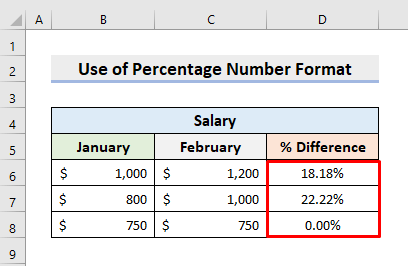
Calculate Percentage Difference Between Two Numbers in Excel: 4 Methods

Method 1 - Calculating Percentage Difference Between Two Numbers Manually in Excel STEPS: Select cell D6 and type the formula. ...

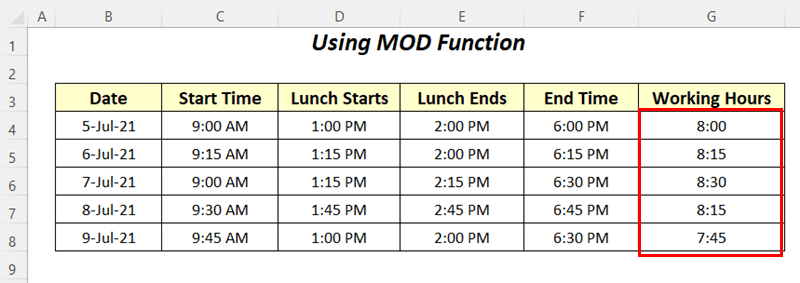
How to Calculate Hours Worked Minus Lunch Using Excel Formulas (4 Methods)

Dataset Overview We will use the following dataset containing the records of Start Time, End Time, Lunch Start time, and Lunch End time of some ...

How to Calculate Years of Service in Excel (4 Easy Ways)

We have the following dataset which contains the Employee Name, Joining Date, and End Date of employees. We will calculate the Years of Service for ...

How to Sum Multiple Rows and Columns in Excel

The sample dataset contains the sales records of 5 products over 3 months. We will sum this dataset by rows and columns. Method 1 - Using ...

How to Round to Nearest 1000 in Excel (7 Easy Methods)

Here's an overview of the different ways you can round numbers to the nearest 1,000. Let's dig into each option. Method 1 - Using Excel ...

How to Count Cells with Specific Text in Excel (5 Easy Ways)

We have a dataset here with information on fruit names and their amounts. We want to find the number of cells that have the name Apple in them. ...

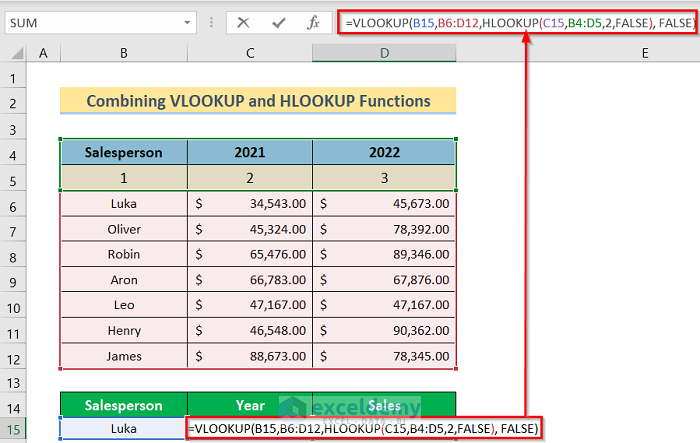
How to Use VLOOKUP and HLOOKUP Combined Formula in Excel

Steps: In cell D14, insert the following formula. =IF(VLOOKUP(B14,$B$4:$D$11,3,FALSE )>=30000, VLOOKUP(B14,$B$4:$D$11,3,FALSE)*20%, ...

How to Calculate IRR (Internal Rate of Return) in Excel (8 Ways)

  What Is Net Present Value? If you have $1000 today, you can invest it in a business or buy a product today and sell it later, or at least ...

Data Validation Based on Another Cell in Excel (4 Examples)

How to Do Data Validation in Excel? Take a dataset that includes student ID, student name, and age. We would like to make a data validation where ...

How to Match Two Columns and Return a Third in Excel

Suppose you have a simple table with two columns, and you want to make a new table that is a subset of the first one. You can do so by making a new ...

How to Use the Excel INDEX MATCH Function with Multiple Criteria and Multiple Results

This is an overview: Method 1 - Get Multiple Results Using the INDEX-MATCH Formula Based on 2 Criteria (in the Same Column) Consider the ...

Excel Formula to Compare Two Columns and Return a Value (5 examples)

Method 1 Compare Two Columns and Return a Value from the Second Column with the VLOOKUP Formula In the following spreadsheet, we have a list of ...

Close the CTA

Advanced Excel Exercises with Solutions PDF


ExcelDemy
Logo