Excel Basics

How to Remove Conditional Formatting in Excel (3 Examples)

In Excel, Conditional Formatting is a handy feature that allows you to effortlessly format and shade cells based on certain conditional criteria. ...

How to Multiply Two Columns in Excel (5 Easiest Methods)

We'll use a sample dataset as an example to help you understand how to multiply columns. We are given Names of some Items in column B, Prices in ...

How to Use Multiply Sign in Excel (Including 3 Alternatives)

How to Use the Multiply Sign (*, the Asterisk) for Multiplication in Excel We will use Asterisk (*) to multiply the quantity and unit price for each ...

How to Undo Sort in Excel (3 Easy Methods)

Method 1 - Use Ctrl + Z to Undo a Sort in Excel Press Ctrl + Z immediately after sorting your data. The Undo shortcut will instantly undo a ...

How to Print Address Labels in Excel (2 Quick Ways)

If you are looking for some of the easiest ways to print address labels in Excel, then you will find this article useful. By following any of the two ...

How to Sort Excel Sheet by Date (8 Suitable Examples)

While working with dates, months, or years in Excel you might need to sort the rows of the worksheet in chronological order based on this ...

How to Remove Table Functionality in Excel: 3 Methods

Method 1 - Use the Convert to Range Command to Remove Table Functionality Steps: Click any data on your table. Go to Table Design > ...

How to Print and Fit Content to One Page in Excel (10 Methods)

Dataset Overview To achieve this, we’ll work with a Comprehensive Employee Dataset that includes columns for Employee ID, Full Name, Department, Job ...

How to Calculate Total Row and Column in Excel: 4 Methods

Method 1 - Use the SUM Function to Calculate Total Row and Column in Excel 1.1 Calculate Total Row Steps: Learn how to calculate row values ...

How to Adjust Print Settings in Excel (8 Suitable Tricks)

Here's an overview of the print settings. For our sample dataset, we have two working sheets in the workbook. The first sheet contains the ...

Excel Hyperlink with Shortcut Key: 3 Methods

Method 1 - Shortcut to Add Hyperlink in Excel The easiest way to add hyperlinks in Excel is to use a shortcut keyboard command. First, ➤ Select ...

How to Remove a Watermark in Excel – 3 Methods

Method 1 - Use the Delete Background Command to Remove the Watermark in Excel Go to the PAGE LAYOUT tab. Click Background. This is the ...

How to Print Worksheet with Comments in Excel (5 Easy Ways)

Excel is a powerful tool to enter all sorts of data. Sometimes, we need to add comments to our worksheets and print them. In this article, we will ...

How to Remove Compatibility Mode in Excel (2 Easy Ways)

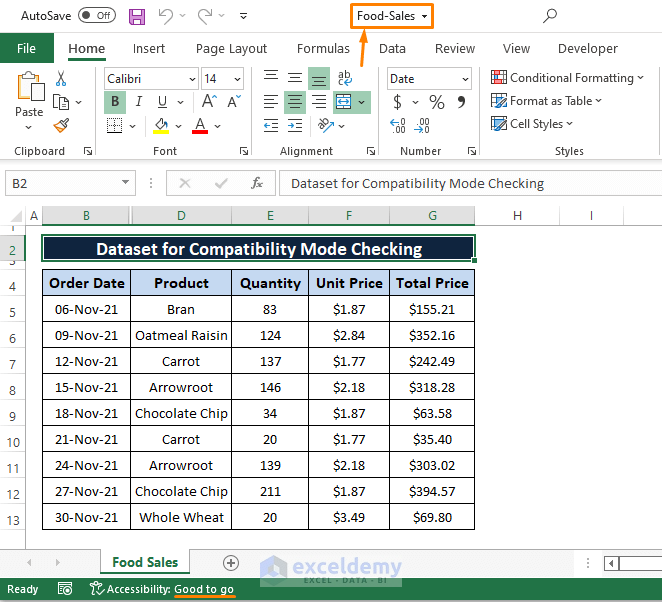
Opening an Excel file that was originally saved in an older version of Excel (i.e., Excel 1997 to 2003) will require Excel to open the workbook in ...

How to Remove #DIV/0! Error in Excel (5 Methods)

Excel shows the Divided by Zero(#DIV/0!) error when the denominator of any formula is zero or empty. Let's replace this with custom text, with the ...

Close the CTA

Advanced Excel Exercises with Solutions PDF


ExcelDemy
Logo