Latest Blog Posts

How to Set Character Limit in Excel

If you work with Microsoft Excel, you may be familiar with the character limit. The character limit is the maximum number of characters that can be ...

How to Include Standard Deviation in Excel Radar Chart

While working with Microsoft Excel, when we want to display demographic or regional capacity information, we may use the Radar Chart. This represents ...

How to Remove Column Headers in Excel: 2 Easy Methods

Method 1 - Using Excel Options to Remove Column Headers Steps: Go to the Files tab from the Ribbon. See the following image on your ...

How to Reduce Excel File Size Without Opening (with Easy Steps)

Sometimes, the size of an Excel file can be significant if it contains a large amount of data. If your Excel file contains a large amount of data, it ...

How to Reconcile Vendor Statements in Excel (2 Easy Methods)

The following Vendor’s Details table has Invoice No., Date, and Amount columns. The Amount column shows the vendor’s demand for a particular invoice. ...

How to Apply the Discounted Cash Flow Formula in Excel

What Is Discounted Cash Flow (DCF) Formula? The Discounted Cash Flow (DCF) formula is a valuation method that helps to determine the fair value by ...

How to Use Page Break in Excel (7 Suitable Examples)

Page Break in Excel is used to separate a worksheet into different pages for printing. Excel automatically insert page break while printing. But it ...

How to Create a Cash Flow Statement Using Direct Method in Excel (Step-by-Step)

What Is a Cash Flow Statement? A cash flow statement contains information about the cash generated and spent during a certain period. It lets you ...

How to Add Double Quotes in Excel (5 Smart Ways)

We'll explain the procedures with a dataset containing the Quotes and Authors columns. In most methods, we'll concatenate the quotes and authors in a ...

How to Alternate Row Colors in Excel Without a Table (5 Methods)

The sample dataset below has 4 columns: Product, Sales, Profit, and Status. Method 1 - Using the Fill Color Option to Alternate Row ...

How to Make a Ledger in Excel (with Easy Steps)

Step 1 - Create a Layout of a Ledger in Excel In the range of cells B4:B5, B7:B8, and E7:E8, write down the following entities and format the ...

How Excel Formulas Convert Text to Number (3 Easy Ways)

If you are looking for simple ways to know how Excel formulas convert Text to Number, this article will serve the purpose. While working with data ...

How to Reconcile Two Sets of Data in Excel (9 Ways)

The dataset shows two lists containing Company names and their Stock Prices in USD. We want to check if the two lists are an exact match or if there ...

How to Edit XML File in Excel (With Easy Steps)

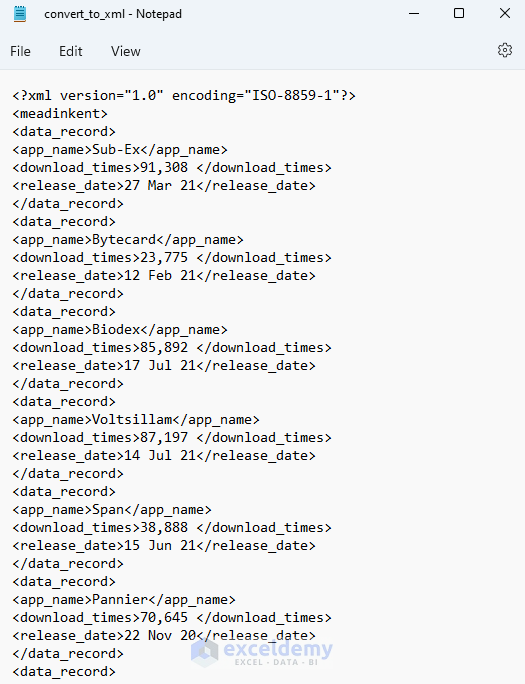
XML is a markup language mainly used for transferring data or records, or encoding particular documentation. This tutorial will demonstrate how to ...

How to Remove Gridlines in Excel When Printing – 6 Methods

The sample dataset showcases Student ID, Test Score, and Status. Method 1 - Using the Page Layout Tab to Remove Gridlines in Excel When ...

Close the CTA

Advanced Excel Exercises with Solutions PDF


ExcelDemy
Logo