Latest Blog Posts

How to Create and Apply an Option Button Click Event in Excel VBA -2 Steps

Introduction to the Excel VBA Option Button The option button refers to a type of icon that allows the user to choose just one option. You can add ...

SUMIFS with INDEX-MATCH Formula Including Multiple Criteria

Suppose you have the following dataset. Method 1 - SUMIFS with INDEX-MATCH Combining Multiple Criteria Steps Select an appropriate ...

How to Calculate the Average Growth Rate in Excel – 3 Methods

Definition of the Growth Rate Growth Rate (AGR):  The Growth rate measures profits or losses, cash flow expenses, among other factors and shows ...

How to Average a Column in Excel (7 Easy Methods)

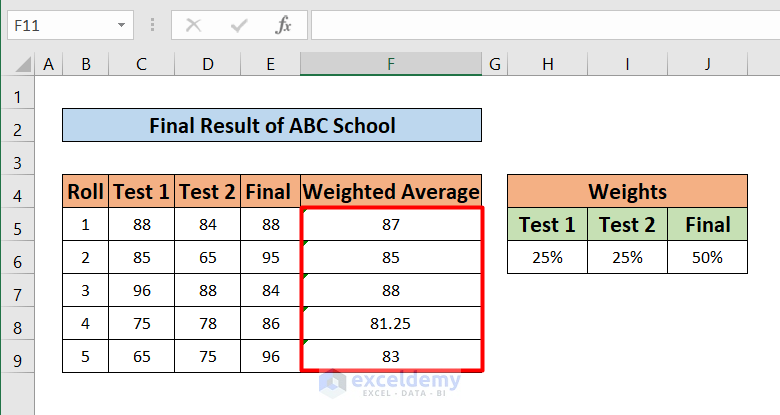
Sometimes we may need to average numbers from a column in Excel. Average means the mean value of the input numbers. We have to sum the numbers first ...

How to Calculate Average of Averages in Excel (with Easy Steps)

In Excel, we use to solve different types of real-life problems. One of them is to Calculate the Average of Averages. In real life, an Average of ...

How to Combine INDEX and AGGREGATE Functions in Excel

Overview of INDEX Function Description: It returns a value or reference of the cell at the intersection of a particular row and column, in a ...

How to Calculate Average Deviation in Excel Formula

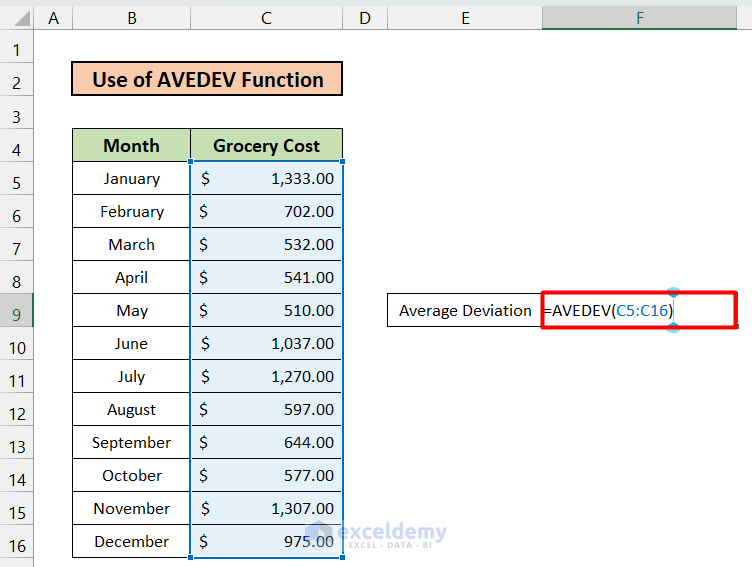
Average Deviation or Average Absolute Deviation (AAD) represents how closely or how far away all the data points are located from any reference ...

How to Aggregate the COUNTIF Function in Excel – 4 Methods

The sample dataset showcases Sales Data: Product names, sales Date, and Sales in USD.   Method 1 - Utilizing COUNTIF Function with ...

How to Open the Insert Function Dialog Box in Excel (4 Ways)

In practical terms, Excel functions simplify our work by enabling easy calculations and automation. Yet, sometimes, it's crucial to grasp the details ...

Excel VLOOKUP Function to Return Min Value from Multiple Hits

Looking for ways to know how to VLOOKUP to return min value from multiple hits? We can VLOOKUP to return min value in Excel using different ...

How to Calculate Average Only for Cells with Values in Excel

In this tutorial, I am going to show you 5 quick tricks to calculate the average only for cells with values in Excel. You can quickly use these ...

[Solved] SUMPRODUCT with Multiple Criteria Not Working in Excel (3 Solutions)

Example 1 - If the Specified Arrays Are Not Same One of the biggest problems users face while dealing with the SUMPRODUCT function is when they fail ...

How to Get Y Equation on Excel Graph (6 Ways)

Sometimes, we need to draw the Y equation on an Excel graph. Fortunately, it is quite simple and easy to do this in Excel. In this article, we will ...

How to Apply a Formula to Multiple Sheets in Excel (3 Methods)

  Here we use three worksheets on the Salary of Employees for January, February, and March. We used the short form of the month names as the ...

How to Search Text in Multiple Excel Files (2 Easy Ways)

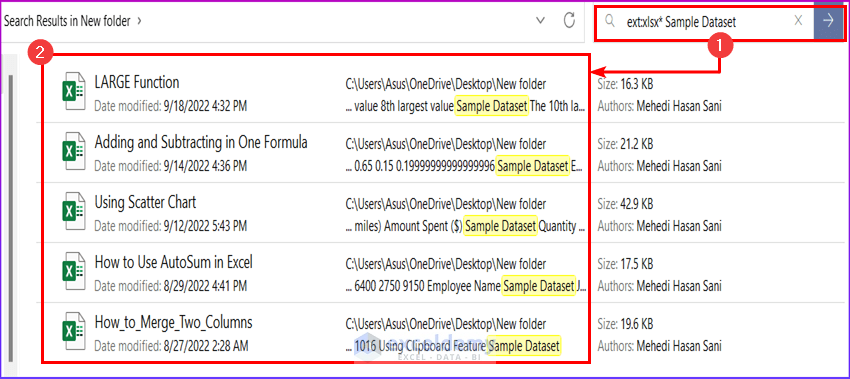
For illustration, we will search for the text “Sample Dataset” in multiple Excel files. One of the file's texts is shown in the following image. ...

Close the CTA

Advanced Excel Exercises with Solutions PDF


ExcelDemy
Logo