Macros & Excel VBA

How to Use Excel VBA Border Weight Property (8 Methods)

How to Launch VBA Editor in Excel Here are the steps to launch the VBA Editor in Excel: Enable the Developer Tab: If you don’t see the ...

How to Use Excel VBA to Break Infinite Loop (3 Easy Ways)

We can use conditional statements, error handling, and the "Exit that part" option to break an infinite loop in Excel VBA. What is an ...

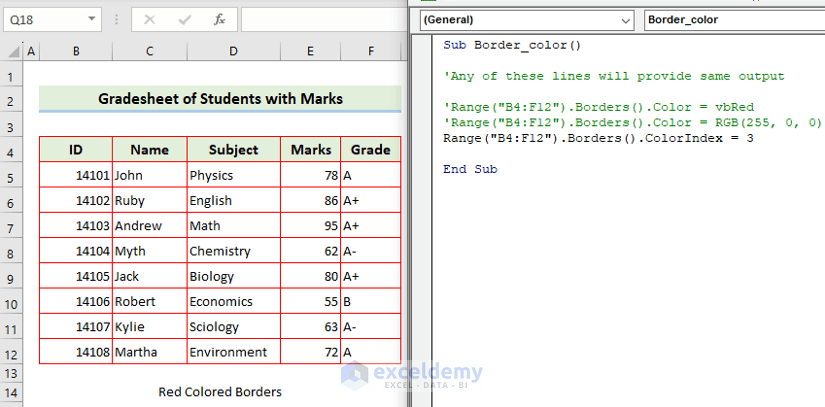
How to Use Excel VBA Borders Linestyle Property

In this article, we will explain how to use Excel VBA Borders LineStyle, like in the video below. Cell borders are a formatting feature in ...

How to Use Excel VBA Nested For Loop (3 Examples)

How to Launch the VBA Editor in Excel Ensure that the Developer tab is displayed on your ribbon. Go to the Developer tab. Select Visual ...

How to Use the Excel VBA MsgBox Title – 5 Examples

This is an overview: Excel VBA MsgBox Syntax of the VBA MsgBox Function in Excel MsgBox( prompt ) prompt – shows the ...

Excel VBA Custom Input Box: 7 Examples

Example 1 - Customizing an Input Box with a Custom Prompt Message Steps: After opening a new module, insert the following code and run it by ...

Using Excel VBA to Show Multiple Values with Multiple Variables in a MsgBox – 5 Examples

This is an overview: 3 variables in different data types were shown in a MsgBox. The VBA MsgBox Function Objective: The MsgBox ...

How to Use the Excel VBA VLookup Function with a Named Range – 5 Examples

The VBA VLookup Function and the Named Range Summary of the VBA VLookup Function The VBA VLookup function finds a specified value from the first ...

Excel VBA: How to Exit a For Loop: 5 Methods

  Method 1 - Exit a Loop Early   Steps: Insert a module as stated earlier. Write the following code inside the module. ...

Excel VBA to Use For Loop with Two Variables

  A Quick Overview of For Loops (For Next and For Each) A For Loop or For Next is a type of control structure that enables you to repeat a ...

Excel VBA to Vlookup Values for Multiple Matches: 2 Methods

Method 1 - Excel VBA Code to Vlookup Values for Multiple Matches 1.1. Return Multiple Values for Matches in One cell with Separators in Between with ...

Excel VBA Break While Loop (4 Unique Ways)

In Excel VBA, the “While” loop is structured to repeat a block of code while a certain condition is true. The loop will continue executing until the ...

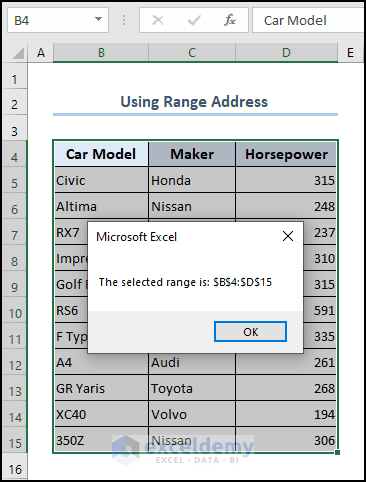
How to Show Range Address with MsgBox in Excel VBA

The numerous functionalities of Excel VBA can automate various processes and simplify your workflow. One such feature is the MsgBox function, which ...

Excel VBA to Delete Named Range (5 Suitable Examples)

To mention the results of the formula or cell references, we use the named range. It makes our formula easy and dynamic and makes it easy to ...

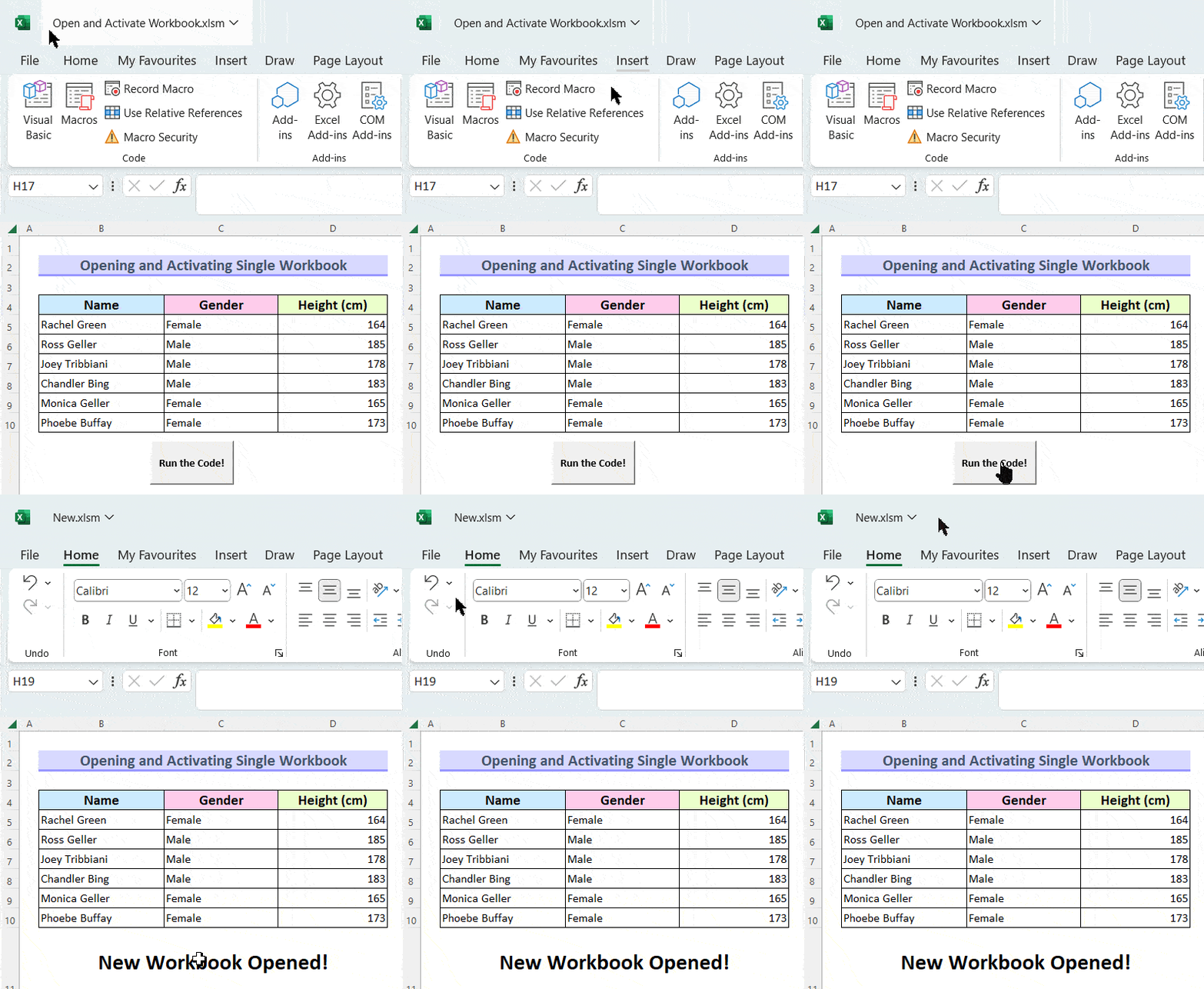
How to Apply VBA to Open and Activate Excel Workbook

We can use Excel to solve various problems. Moreover, using Excel VBA is faster for performing many mundane tasks. In this article, we will show you ...

Close the CTA

Advanced Excel Exercises with Solutions PDF


ExcelDemy
Logo