We have two different Product lists. The Product lists have products that are ordered on certain days. We want to compare these products on the same ...
This article illustrates 3 different methods to get the last day of the current, past, or future month from a specific starting date using VBA code ...
Method 1 - Use Consolidate Option to Combine Rows from Multiple Excel Sheets
The Consolidate feature is the quickest way to combine rows. But we can ...
Most of the time we use a cell reference in an Excel formula. However, often we have to update the formula based on different situations. Now, if you ...
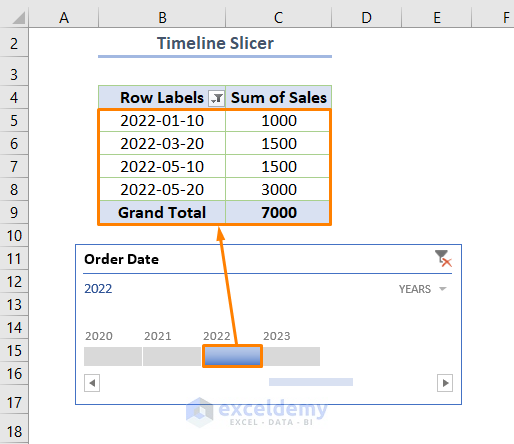
In Microsoft Excel, working with dates is a pretty common thing. And filtering those dates is also a day-to-day task for a lot of Excel users. Now, ...