It is quite fascinating how easily we can find square root in Excel using VBA codes. Simply by running an Excel VBA code, we can find square roots of ...
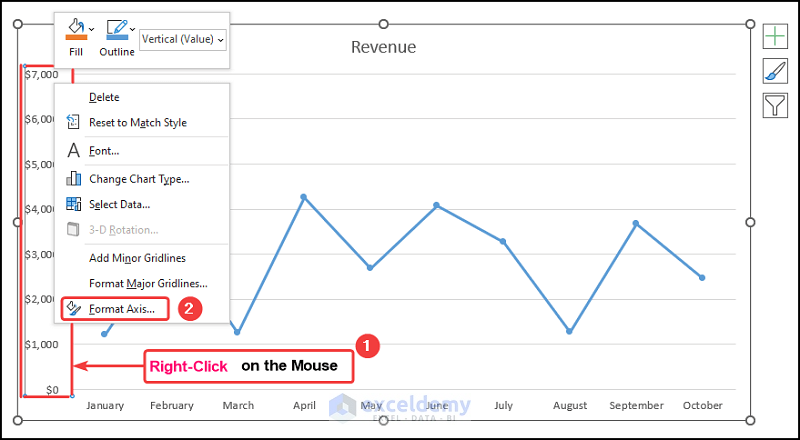
Let’s consider the Revenue Earnings by Month dataset shown in the B4:D14 cells. We have the Month Numbers, the Month Names, and the Revenue earnings ...
Microsoft Excel allows the user to convert different types of variables and terms into one another. You can perform time-zone conversion (i.e. GMT to ...
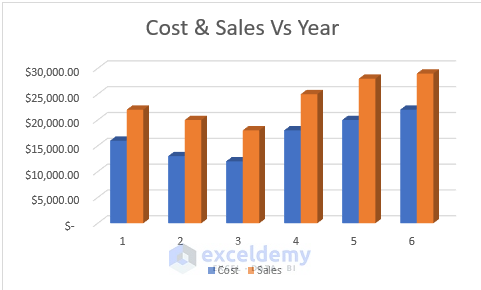
Let’s consider a dataset of Yearly Sales of XYZ Traders. The data table has three columns, B, C, and D, indicating the data of No. of Year, Cost, and ...