Latest Blog Posts

[Fixed!] Excel VLOOKUP Not Working Due to Format (2 Solutions)

The sample dataset contains information from a store with the items’ codes, names, and sales.   Due to format errors, the VLOOKUP ...

How to Paste Excel Table into Word Fit to Page: 3 Methods

Method 1 - Creating Excel Table The simplest method to paste an Excel table into a Word file is to paste it as plain text. Create a table first in ...

Excel Scrolling Too Many Rows: 2 Easy Solutions

Method 1 - Change the Scroll Settings of Your Windows Steps: Click on the Start menu icon of your windows. Click on the Settings icon from ...

Percentage is Showing as Thousand in Excel – Reason and Solution

Why Is Excel Showing Wrong Percentages? The dataset showcases percentage values. Change the format of those cells into percentages. ...

Macro Settings in Excel: Dealing with Grey-Outs

The following dataset contains the income statements of several people. Note the macro settings have been greyed out. How to Go from ...

Convert Number to Percentage Without Multiplying by 100 in Excel

  We will consider a simple dataset which contains profits for each month in decimal form. We need to convert that into percentile. ...

How to Subtract Time and Convert to Number in Excel?

We have a dataset of some Employee Names, Entry Time, and Exit Time. We will subtract time and convert it to a number to determine the Total Working ...

How to Import Data from Excel to Google Sheets Using the IMPORTRANGE Function

Overview of the IMPORTRANGE Function Function Objective The IMPORTRANGE function allows you to retrieve specific ranges of values from an ...

[Fixed!] Auto Fill Options Not Showing in Excel

The Auto Fill Feature is a very handy tool when it comes to automatically detecting a pattern or series and filling the rest of the cells in a column ...

How to Copy Data Validation in Excel: 5 Handy Methods

How to Add Data Validation to Cell in Excel Steps: Select cell B5 where you want to insert only two kinds of cell values (either Desktop or ...

The Excel VLOOKUP Function is Returning 0 Instead of the Expected Value – Possible Solutions

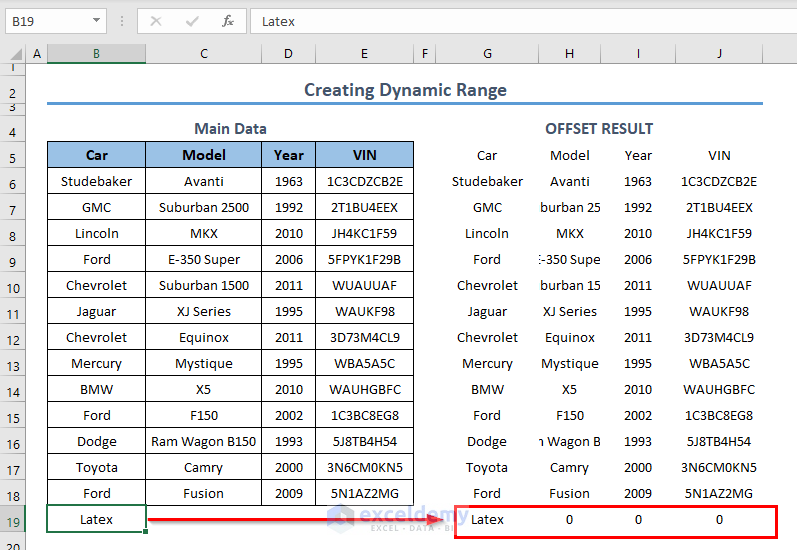
The following VLOOKUP function returned 0 although the matching result is an empty cell. =VLOOKUP(E5,B5:C12,2,FALSE)   Step ...

The VLOOKUP is Not Working Between Sheets – 8 Easy Solutions

This is the Source sheet from which you will extract data. Solution 1- Entering the Correct Lookup Value, the Worksheet Name, and the ...

Excel VLOOKUP Returning #N/A Error (6 Solutions)

Dataset Overview Consider the List of Employees and Departments dataset shown in cells B4:D14. This dataset includes employee IDs, their Names, and ...

How to Save Excel Files to Google Sheets (3 Quick Methods)

Sometimes, we need to save our Excel files to Google Sheets. As you know, online editing is handy with Google Sheets. But when dealing with a large ...

How to Fix If Excel COUNT Function Not Working (4 Causes and Solutions)

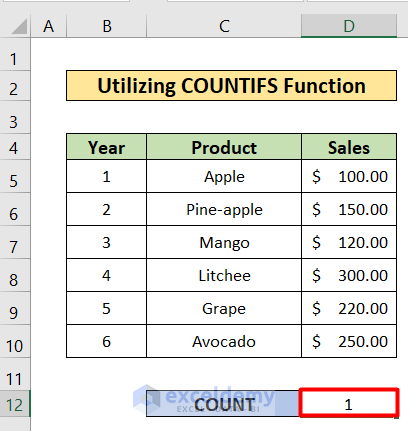
We will use a sales report for a particular grocery store. This dataset contains the Sales Rep, Order Date, Product Name, and their corresponding ...

Close the CTA

Advanced Excel Exercises with Solutions PDF


ExcelDemy
Logo