A typical problem with arrow keys is that they move the spreadsheet but not the pointer. In this tutorial, we will illustrate how to fix arrow keys ...
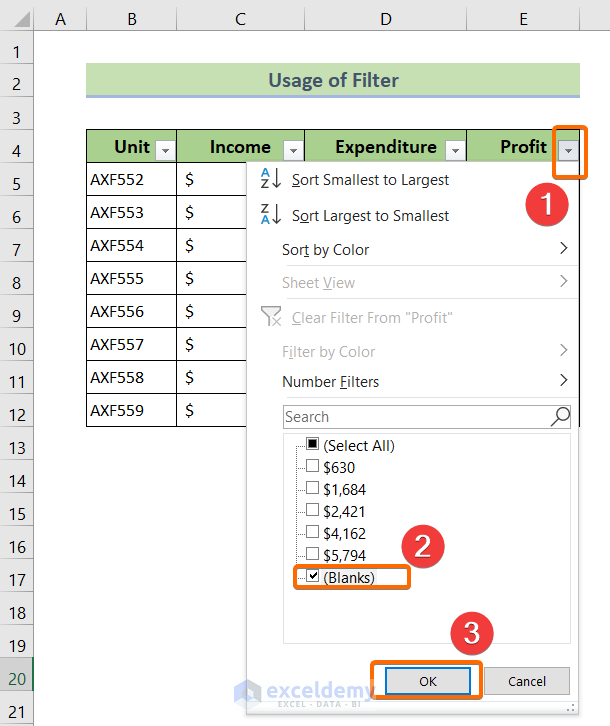
We have a data range (B4:E12) that contains sales data for several electronic products (Date-wise). You can delete blank cells manually by selecting ...
The sample dataset below will be used for illustration purpose. It contains some products in column B and the total sales of each product in column ...
Dataset Overview
Occasionally, we need to locate and highlight cells with specific values in an Excel spreadsheet. Since Excel typically contains a ...
Sometimes you need to Select Cells in Excel using Keyboard Shortcuts When working with a large dataset. Keyboard Shortcuts make it easier to Navigate ...
Method 1 - Use IF Function to Copy Another Cell If a Cell Is Blank
In the sample dataset, we want to copy the Employee IDs to the Output column. If ...



![[Fixed!] Arrow Keys Not Moving Between Cells in Excel (2 Ways)](https://www.exceldemy.com/wp-content/uploads/2022/03/Arrow-Keys-Not-Moving-Cells-11.png?v=1697090743)