
Latest Posts From Md. Asaduzzaman
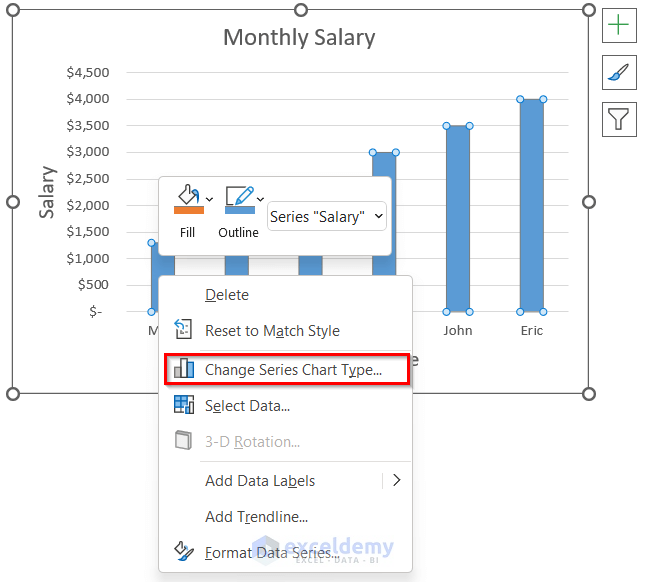
Method 1 - Using the Format Axis Feature The sample dataset contains Employees' Names and their respective Salary. A Column Chart was created. ...
 Md. Asaduzzaman
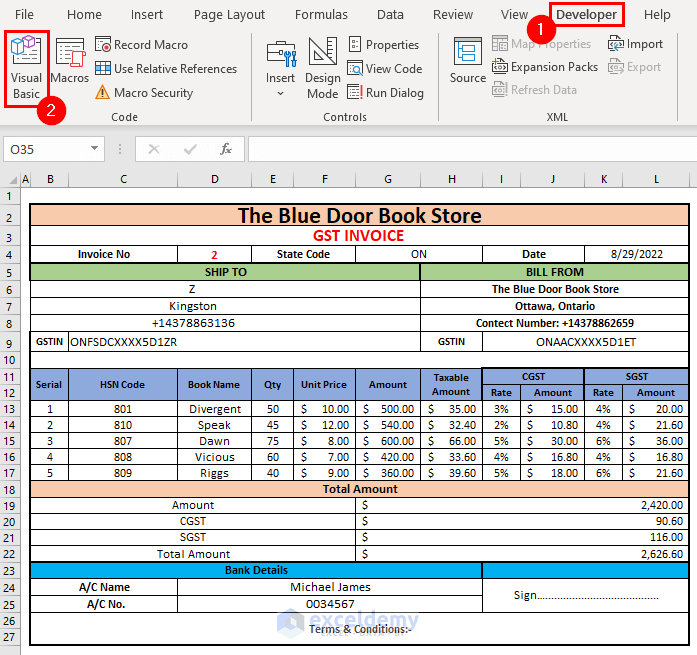
Method 1 - Create Outline of GST Bill Format Create a basic dataset of the products, like the image below. We need to create another dataset of ...

Method 1 - Use of Solver Feature Enable Solver Feature Go to the File tab. Select Options. Click on Add-ins and select Go. ...
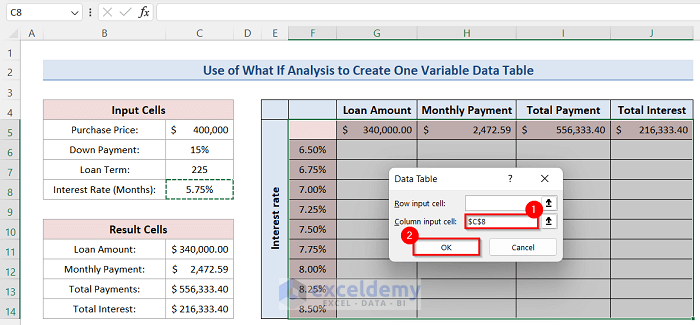
Data tables are important parts of the Excel What-If Analysis feature to perform the sensitivity analysis of a business model. It is one of the most ...

Sometimes we have to make a summary from different sheets of a workbook in Microsoft Excel. It is frequently used in schools, companies, and shops which helps ...

Dataset Overview To demonstrate the methods, we have taken the following dataset of the Sales history of some products in a shop. Method 1 - Using ...
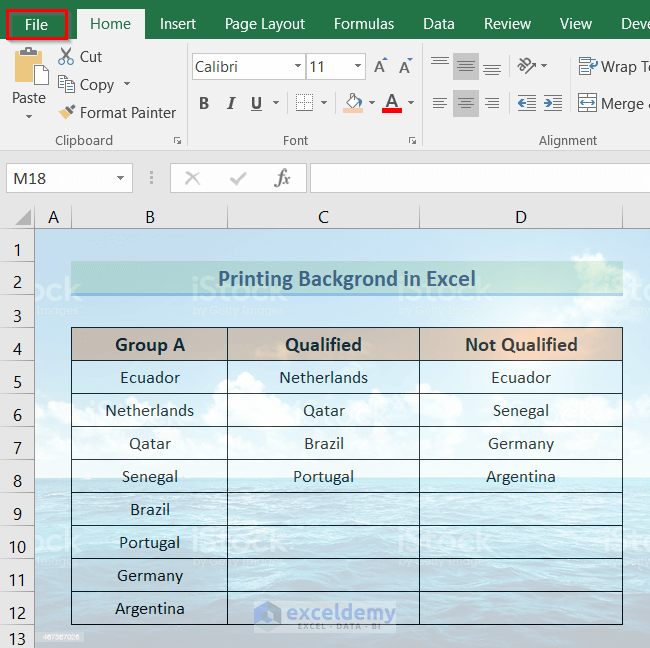
Sometimes we need to print a dataset in Excel with a background. We can insert a background to our dataset if we choose the Background option from the Page ...
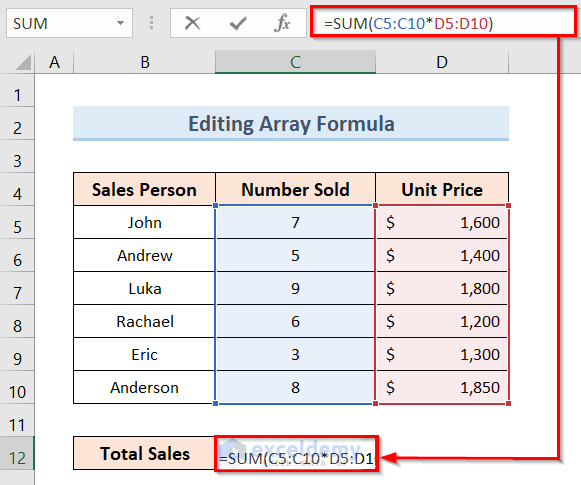
Sometimes we use a table array formula in Excel and after that, we need to edit it. Editing an array formula is different than editing a normal Excel formula. ...

Sometimes we mistakenly perform an action in Excel and we need to undo it. Again we need to redo an action sometimes. These can be easily done in Excel and it ...

Dataset Overview Let’s start by introducing our dataset. We have Mathew Wade as our batsman, and our goal is to calculate his average score for 5 matches. ...
Method 1 - Using Shapes Feature to Draw Shapes in Excel Steps: Open your workbook. Go to the Insert tab and click the Shapes feature as shown below. ...
There are 2 suitable ways to return a blank if the cell value is negative in an Excel formula: by using the IF function and by using the Format Cells option. ...

If we need to compare two tables in Excel, we can use the VLOOKUP function. It’s an easy way to compare two tables and find missing values, common values or ...
Example 1 - Calculate the Present Value for a Single Payment The sample dataset (B4:C8) showcases the annual interest rate, No. of years and the future value ...

We have a sample dataset that contains the Employee ID numbers and Employee Names. We will create an employee attendance sheet with time for the first employee ...
See Our Reviews at

